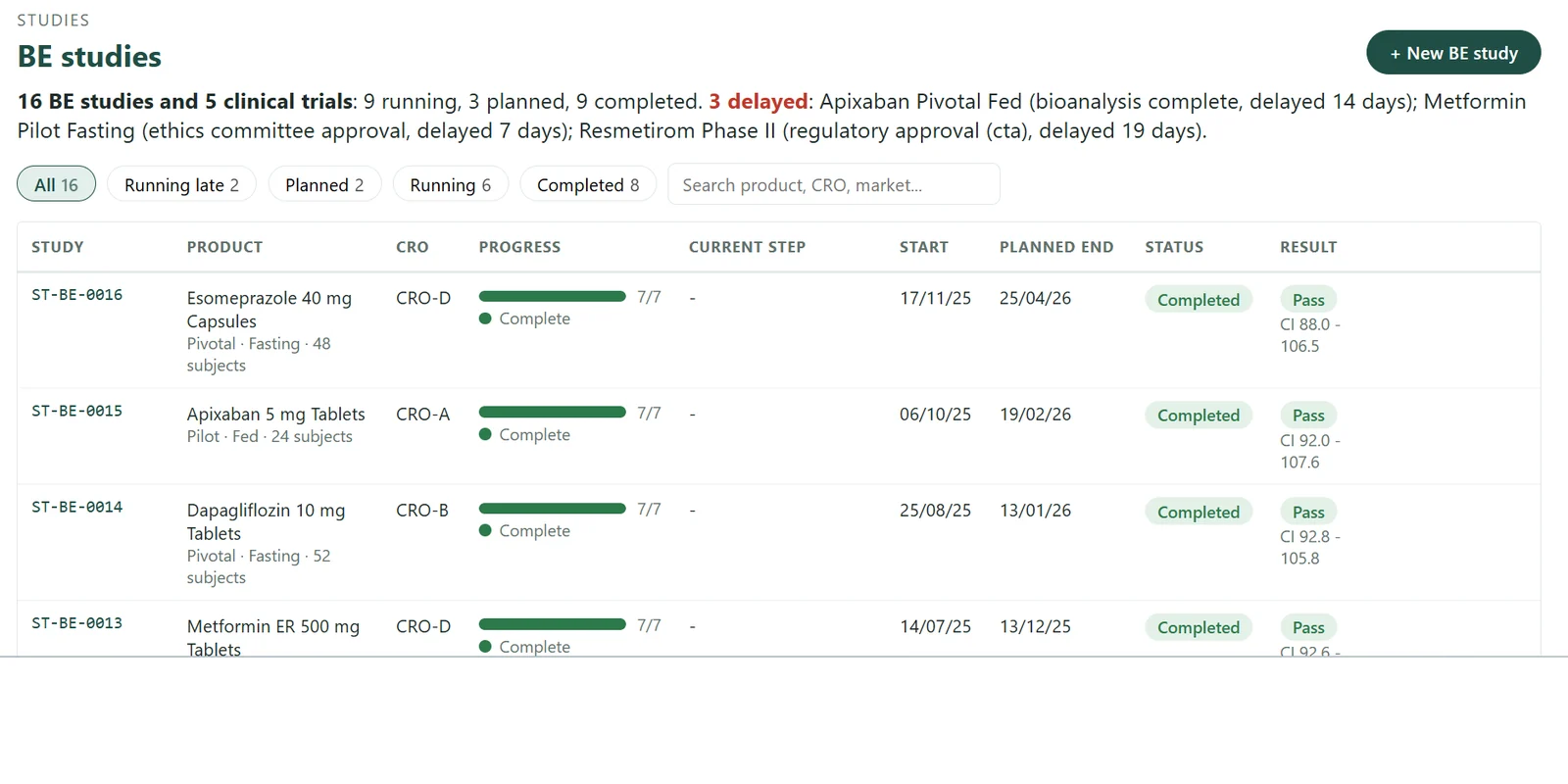
CRO Study Tracking: How Sponsors Keep BE Studies and Filings on Time
The dossier is ready. Regulatory affairs has the modules compiled, the reference documents signed and a submission slot booked. One item is missing: the final bioequivalence (BE) study report from the CRO.
Nobody on the sponsor side saw the delay coming. The CRO mentioned a repeat bioanalysis in an email six weeks earlier. The clinical team noted it in a spreadsheet. The spreadsheet was reviewed at month end. By then the filing date had already moved.
This is common in generic and specialty pharma. The CRO is doing its job; what fails is the sponsor’s view of many outsourced studies at once.
Why CRO studies slip without anyone noticing
- Updates arrive by email. Each CRO reports in its own format and rhythm, and someone retypes the status into a sheet.
- Plans live in many places. The study plan sits with the CRO, the filing plan with regulatory affairs and the launch plan with marketing. Nobody joins them up.
- Delays are reported, not measured. A slip is visible only when someone asks. There is no baseline to compare against.
- CRO performance is a feeling, not a number. Teams know which CRO is “usually late”, but cannot show it when the next study is awarded.
What CRO study tracking means
CRO study tracking is how a sponsor keeps every outsourced study on schedule without running the study itself. It answers three questions every week:
- Is each study on plan, and if not, which milestone slipped and by how many days?
- Which filings and launches depend on the studies that are late?
- Which CROs deliver on time, measured from our own records?
It is not a clinical trial management system (CTMS). A CTMS helps the CRO and sites run the trial in detail. Sponsor-side tracking sits above it: milestones, dates, owners and the link to filings. The study data itself stays with the CRO and in your existing systems.
The milestones that matter
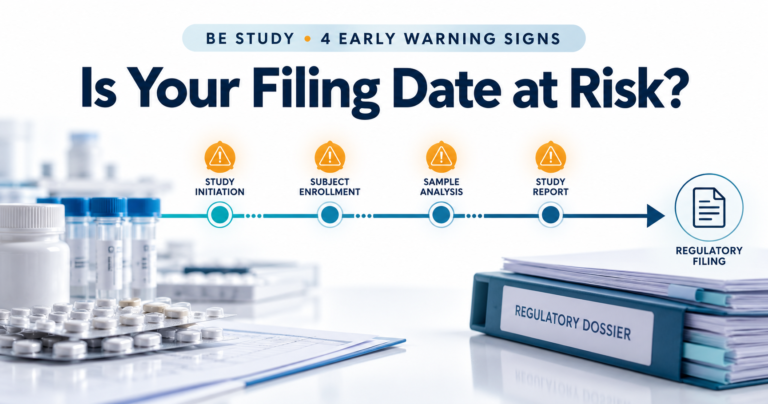
You do not need to track every task. A short, standard set of milestones per study type is enough to see a slip early. A typical set looks like this; most sponsors adapt it to their own templates.
| BE study | Clinical trial |
|---|---|
| Protocol and CRO agreement signed | Protocol approval |
| Ethics committee and regulatory approval | Site activation |
| Reference product and test batch available | First patient in |
| Dosing start and end | Enrolment against plan |
| Bioanalysis complete | Last patient out |
| Draft report | Database lock |
| Final report received | Clinical study report |
The value is in agreeing these dates with the CRO at award, so every later date is compared against a baseline both sides accepted.
Five habits of sponsors who keep studies on time
- One register for every outsourced study. All BE studies and clinical trials, across all CROs, in one list with the same columns. If a study is not in the register, it is not being managed.
- A baseline agreed at award. Planned dates for each milestone are fixed when the CRO is appointed. Later changes are recorded as slips, not quietly overwritten.
- A weekly update rhythm. The internal study owner updates actual dates every week, not at month end. A short, regular update beats a long, late one.
- Every study linked to what waits on it. Each study shows the filings, markets and launch dates that depend on it, so a slip immediately shows the business impact.
- A named owner for every next step. Each open milestone has one person on the sponsor side accountable for chasing it.
Measuring CRO on-time performance
Keep the measure simple enough that everyone trusts it:
- On-time rate: the share of milestones the CRO delivered on or before the agreed date.
- Average delay: for milestones that were late, the average number of days late.
Both come from your own baseline and actual dates, so no extra data is needed from the CRO. Over a year, these two numbers give procurement and clinical heads a fair, factual basis for the next study award.
Linking studies to filings
The most expensive delays are the ones that reach a filing unnoticed. Linking each study to the submissions waiting on it changes the conversation: instead of “Study A is three weeks late”, leadership sees “the US and two EU filings move by three weeks unless we act”. That is when decisions get made, such as re-sequencing submissions, escalating with the CRO or adjusting launch plans. This is where CRO tracking connects to regulatory registration tracking.
Spreadsheet or tracker?
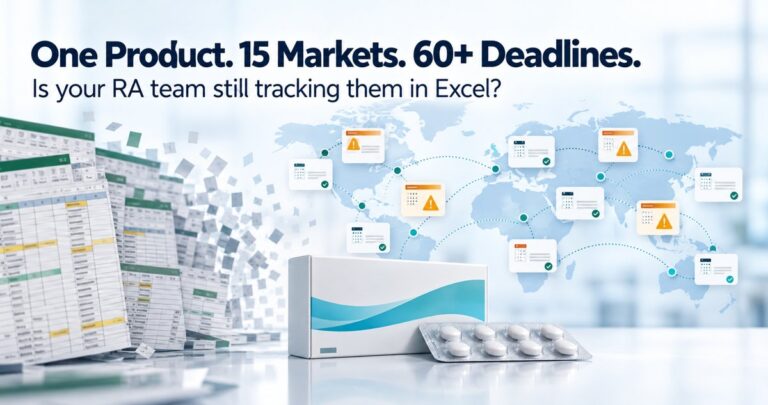
A spreadsheet works for a handful of studies with one CRO. It struggles once you have several CROs, many studies and filings in multiple markets, because nobody can keep the copies, versions and email updates in step.
| Spreadsheet | CRO tracker | |
|---|---|---|
| Study status | Retyped from emails | Updated weekly against a baseline |
| Slips | Seen when someone asks | Shown in days, the week they happen |
| CRO performance | Opinion | On-time rate and average delay |
| Link to filings | A separate RA sheet | Each study linked to its submissions |
Getting started in 30 days
- Week 1: list every open outsourced study and its CRO.
- Week 2: agree a standard milestone set per study type and record the baseline dates.
- Week 3: link each study to the filings that depend on it.
- Week 4: start the weekly update rhythm and review the first on-time report.
Frequently asked questions
What is CRO study tracking?
It is how a sponsor monitors outsourced BE studies and clinical trials against agreed milestones, sees slips early and knows which filings depend on each study.
Is CRO tracking the same as a CTMS?
No. A CTMS runs the trial in detail at the CRO and sites. CRO tracking is sponsor-side oversight of milestones, dates, CRO performance and the link to filings.
How often should CRO milestones be updated?
Weekly. A short weekly update shows slips early enough to act.
How do you measure CRO on-time performance?
Compare each milestone’s actual date with the date agreed at award. Report the share delivered on time and the average delay for those that were late.
See it with your own studies
The PMSoft Pharma CRO Tracker puts every outsourced study, its milestones and the filings that depend on it in one view, inside your existing Microsoft 365. Request a demo and we will walk through it using your current study list.